
Troubleshooting · Installing and updating
The installer is stuck on Allow Accessibility
Short answer
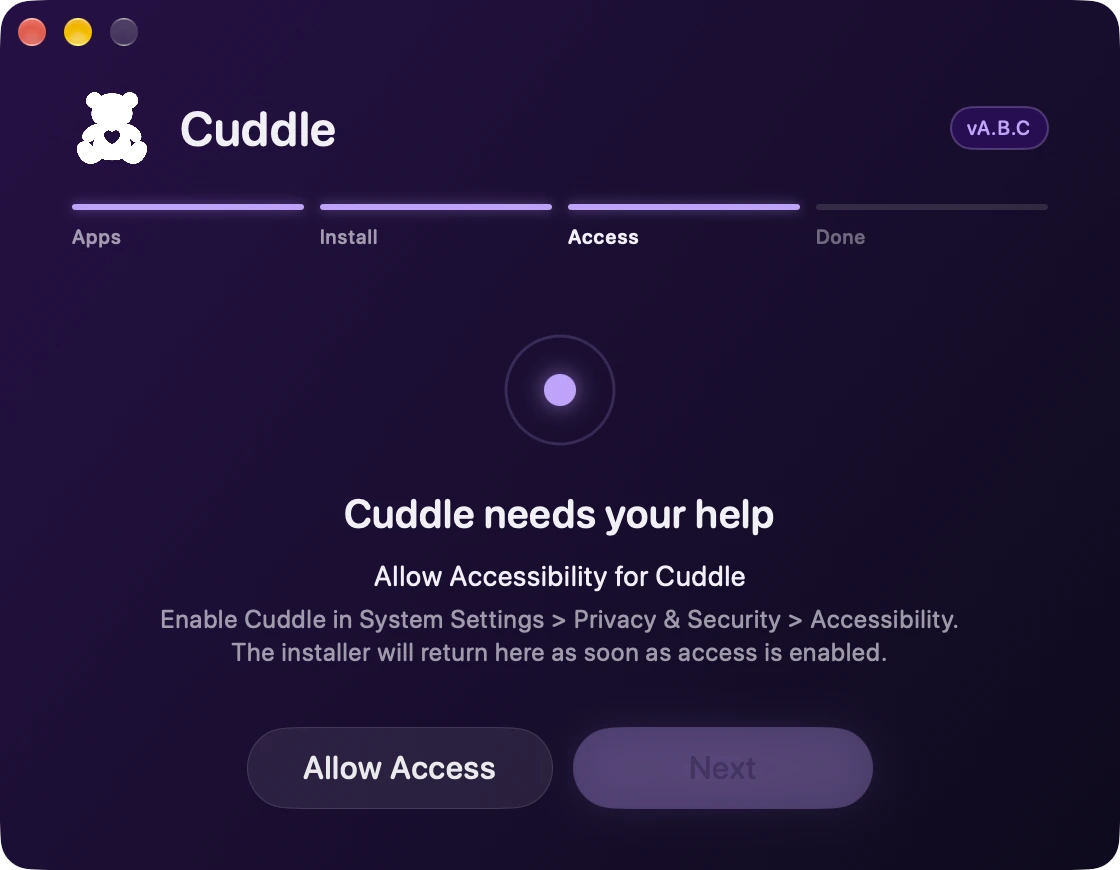
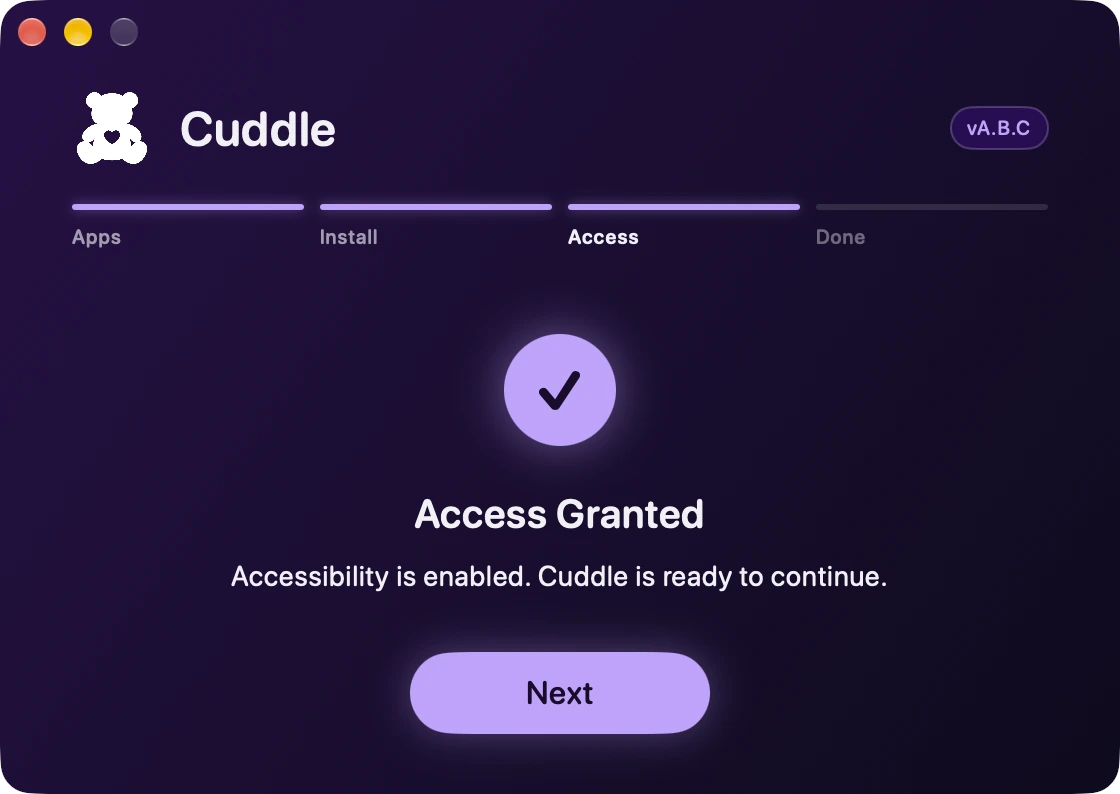
Next stays off until Cuddle has Accessibility. Click Allow Access, turn on Cuddle in System Settings, and the installer comes back by itself with Access Granted.
Try this, in order
Click Allow Access. Then open System Settings if it doesn’t open by itself.
Turn on Cuddle. Find Cuddle in the list and turn it on. macOS may ask for your password or Touch ID.
- System Settings
- Privacy & Security
- Accessibility
- Cuddle
If it’s already on, switch it off and on again. macOS sometimes holds on to an old setting. Turning it off and back on refreshes it, and the installer shows Access Granted.
Didn’t fix it? Ask Bear.