
Question · Privacy and permissions
Why does Cuddle need Accessibility?
Short answer
A small helper app named Cuddle uses Accessibility for two jobs: pressing Premiere Pro’s own multicam keyboard shortcuts, and opening Claude Desktop’s Settings during setup. The keys go only to Premiere Pro.
The two jobs
- Switching camera angles. Premiere Pro only lets multicam angles change with its keyboard shortcuts, so Cuddle presses the shortcuts you set. The key presses go straight to Premiere Pro, even while it’s in the background. Other apps don’t receive them.
- Opening Claude Desktop’s Settings. During setup, Cuddle opens Claude Desktop’s Settings so you can upload the plugin without hunting for it.
That’s all it does. Cuddle doesn’t read your screen, see or log what you type, or move your mouse.
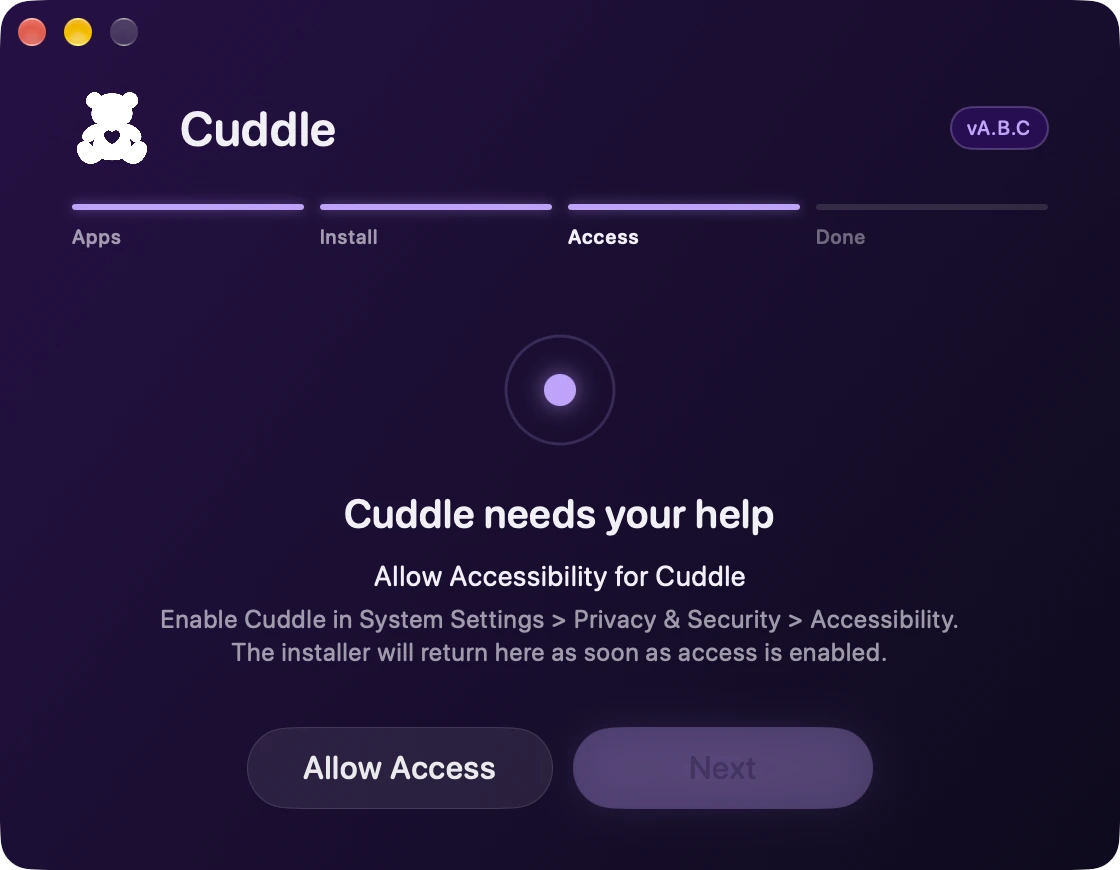
Turning it on
You can’t skip Accessibility in the installer. It asks for it and waits until it’s on. macOS may ask for your password or Touch ID to change the setting. If it’s turned off later, Cuddle’s Settings panel shows a button to turn it back on.
- System Settings
- Privacy & Security
- Accessibility
- Cuddle
Cuddle’s two permissions
Cuddle asks for two permissions during install: Accessibility for its small helper app, and Documents access for its background service, so it can read your Premiere Pro keyboard shortcuts. Learn why Documents.
Have another question? Ask Bear.