
Troubleshooting · Installing and updating
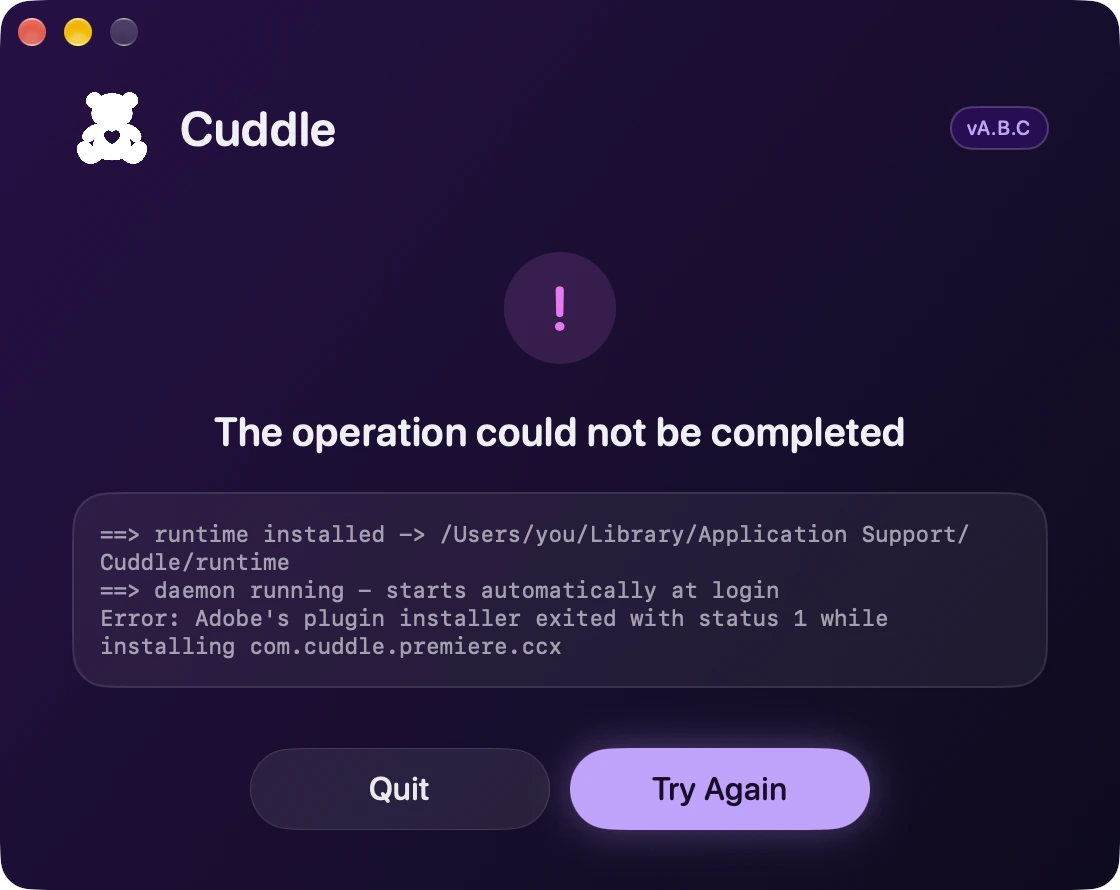
The installer says “The operation could not be completed”
Short answer
The installer stopped partway and shows what went wrong in the box. The last lines usually name the cause. Fix it, then click Try Again to go back to the app list and install again.
Common causes
- Adobe’s plugin installer couldn’t add Cuddle to Premiere Pro. Update Creative Cloud Desktop, restart your Mac, and try again.
- Documents access was turned down. Turn on Documents for node in System Settings › Privacy & Security › Files & Folders. Learn why.
- Cuddle’s background service didn’t start in time. Click Try Again. It often works on the second run.
- An AI app already has a different tool named “cuddle.” Remove that entry from the app’s settings, then try again.
Didn’t fix it? Ask Bear.